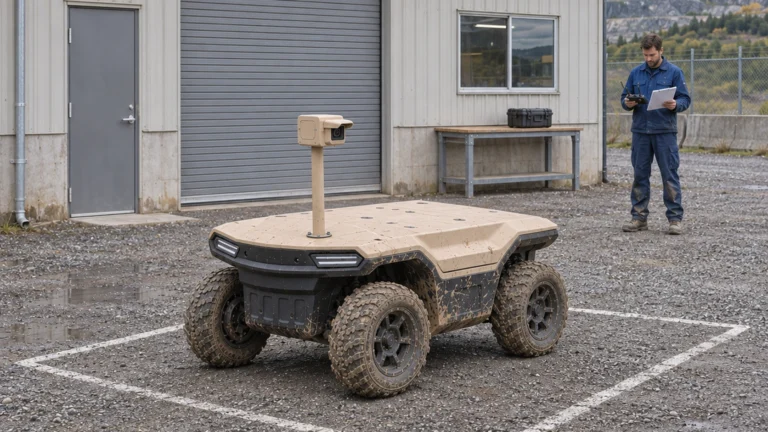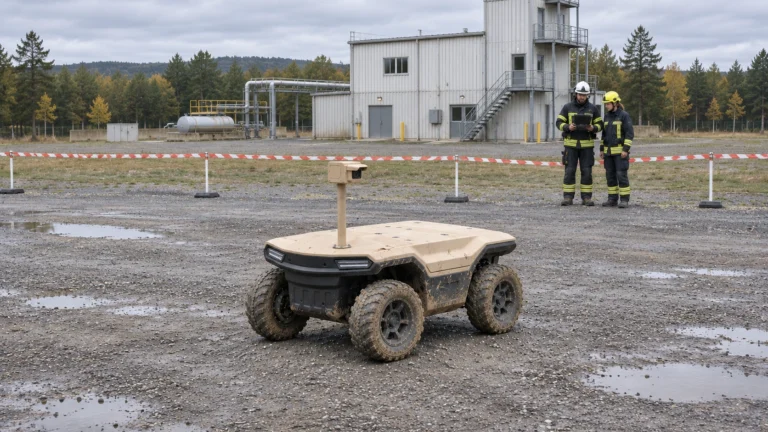


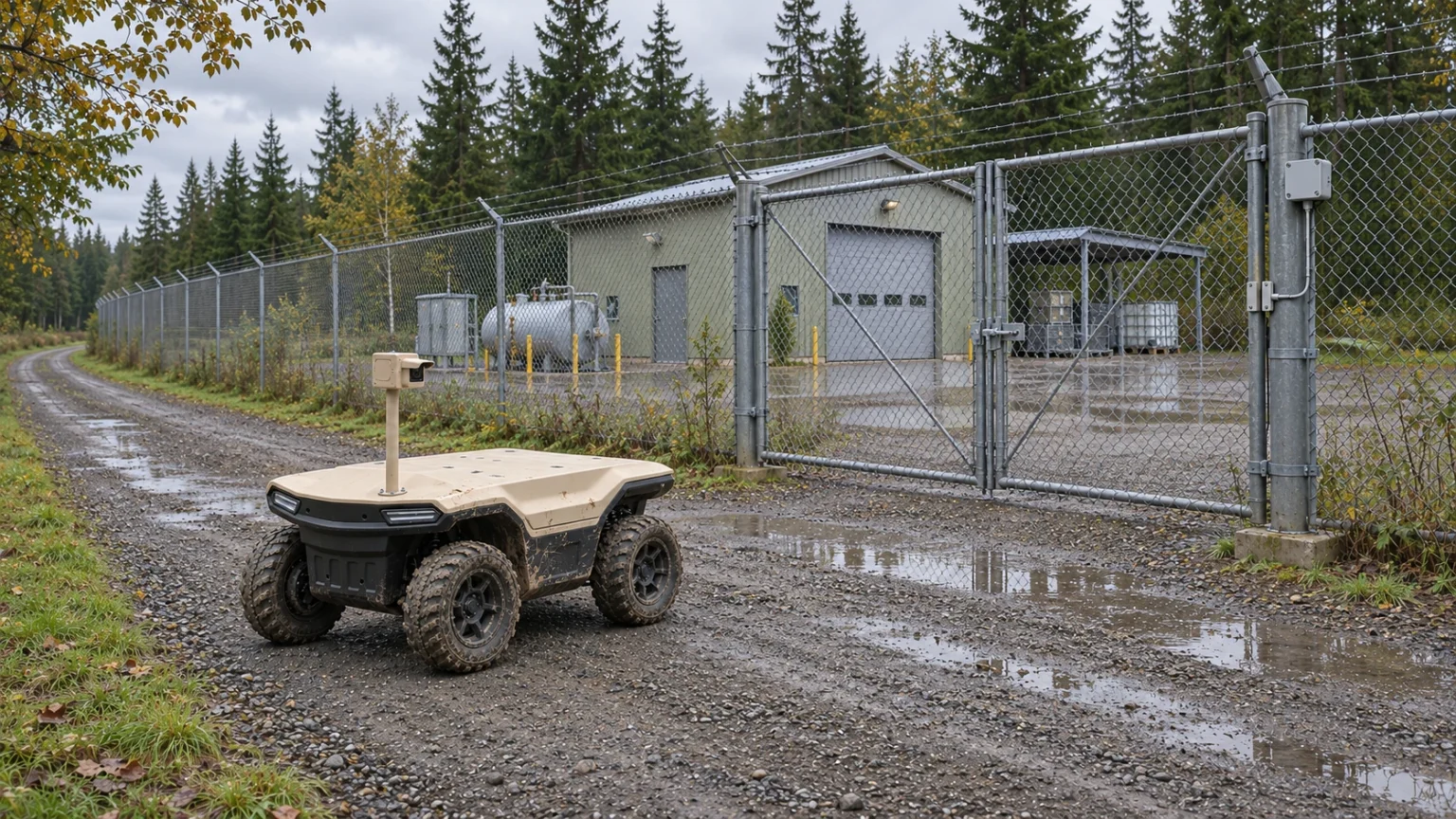
An industrial perimeter patrol UGV should produce an observation that someone can review and act on. Driving around the fence is only the transport step. Start with the site’s inspection questions, then connect the route, image record, control-room review and responsible person into one work cycle.
Delta 150 is JINJIA’s compact four-wheel UGV in the 150 kg payload class. An industrial patrol AGV may carry a project-specific observation payload. Here AGV means Autonomous Ground Vehicle; it can mean Automated Guided Vehicle elsewhere. Sensor selection, control mode and route access require confirmation for each site.
At a glance
• Give every checkpoint an observation purpose and acceptance rule.
• Test daylight, night, gate and traffic conditions separately.
• Count usable observations and resolved exceptions, not just distance driven.
Contents
Define routes and observation checkpoints
Build separate daytime and night tasks
Coordinate gates, crossings and encounters
Send exceptions with usable evidence
Assign human review and response
Use a patrol task sheet to close the cycle
Frequently asked questions (FAQ)
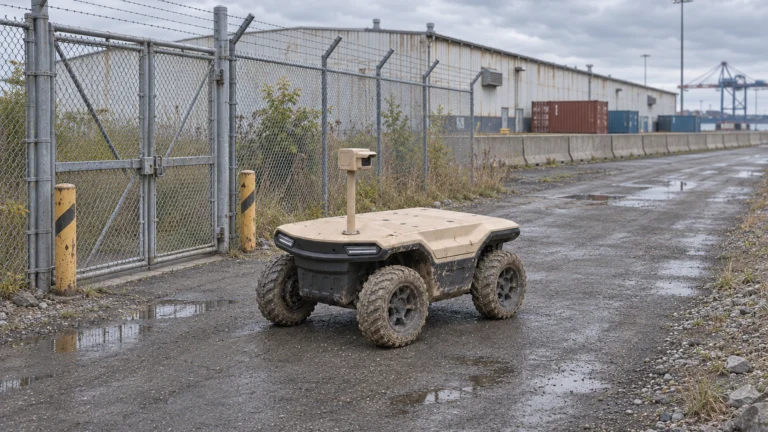
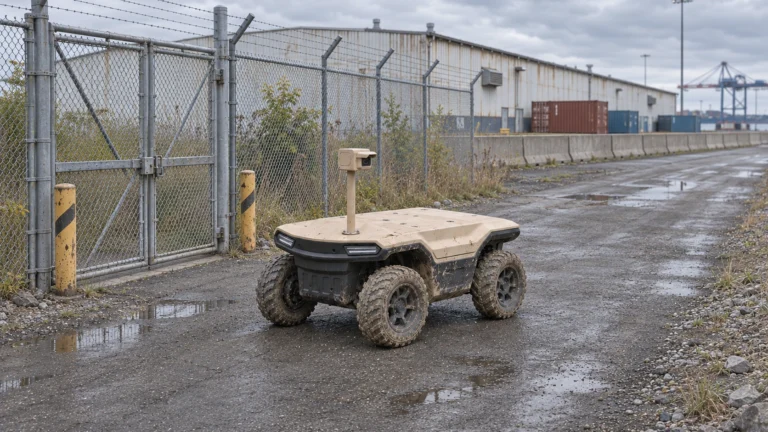
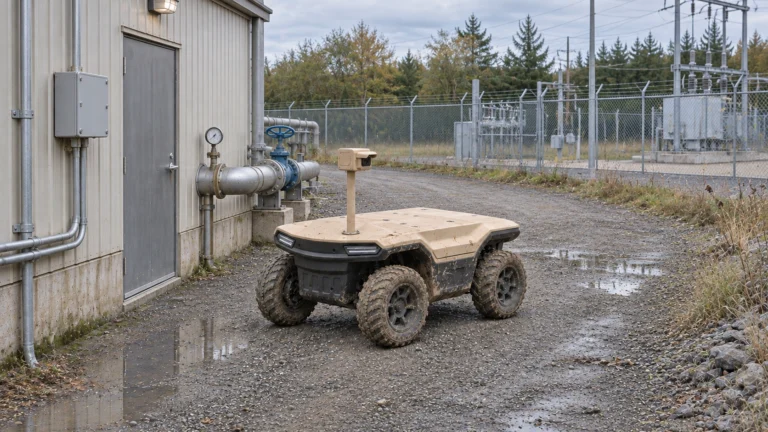
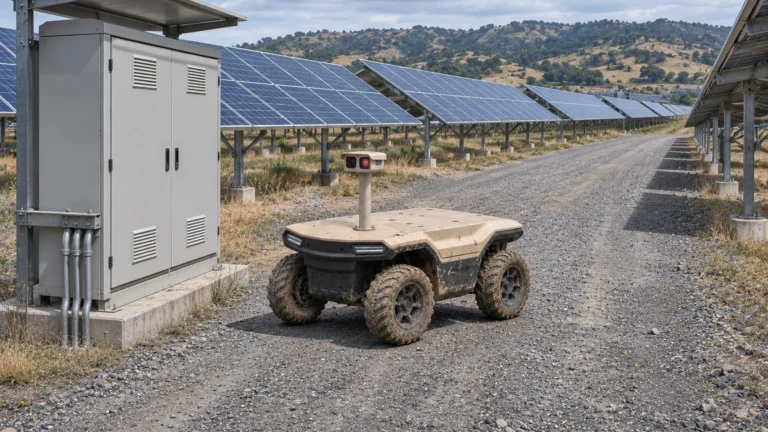
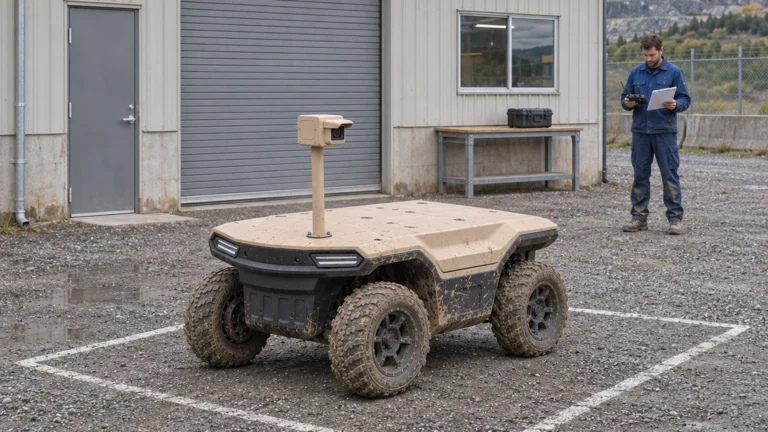
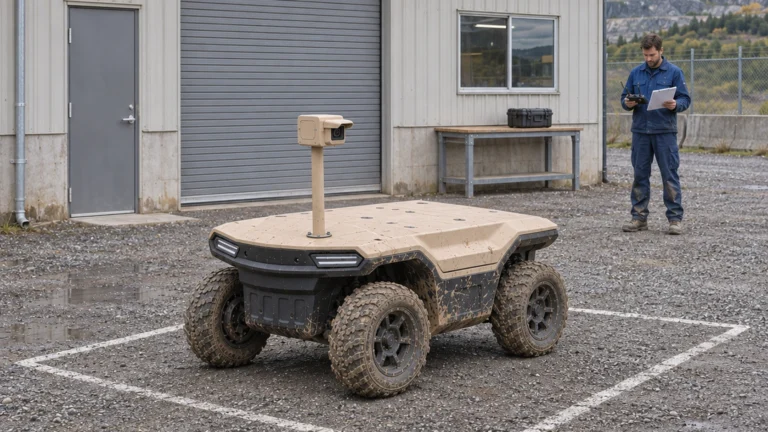
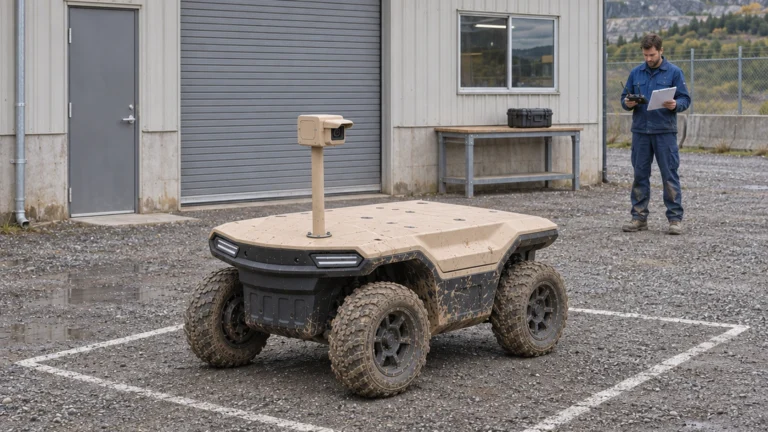
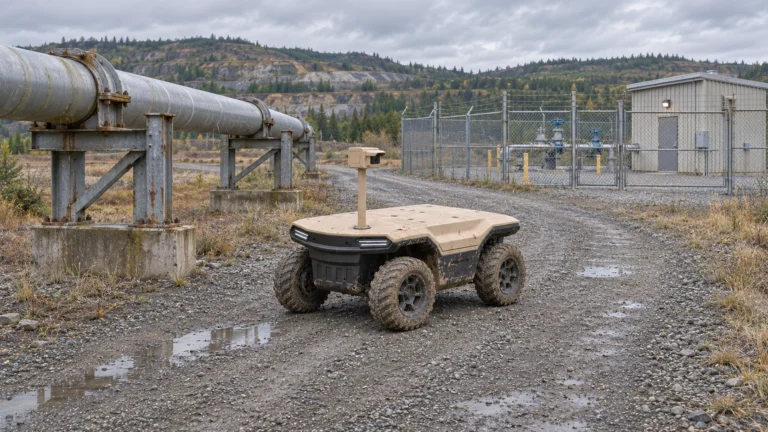
AI concept: proposed task-equipped Delta 150; configuration subject to confirmation.
Define routes and observation checkpoints
Walk the proposed route with security, operations and the people who maintain the grounds. Assign checkpoint IDs to gates, fence sections, service doors and other approved observation targets. State the question at each stop: is a barrier visibly damaged, is a door in the expected state, or does the scene require human review? Use asset IDs that the control room already understands.
Specify the stopping position, view, dwell and evidence required. A clear photograph of a gate is different from evidence of a person’s identity. ProtectUK recommends defining the purpose and detail required at each camera location. Apply that principle to the moving camera while retaining the site’s existing fixed coverage. Check drains, turning areas and temporary obstructions on the actual route.
Build separate daytime and night tasks
Daylight acceptance does not establish night performance. Repeat representative stops with the selected camera, illumination and network settings at the required operating times. Compare the received image, not only the camera’s local display. Reflections, vehicle headlights, rain and shadows can change what an operator can judge. Record when a view becomes unusable.
Choose visible-light or thermal equipment for a defined observation question. A thermal contrast may justify further review, but it does not automatically identify a person or establish a measured equipment defect. Add lens cleaning and illumination checks to the shift. Adjust dwell or the observation point when required; do not promise a fixed detection distance from a sensor label.
Coordinate gates, crossings and encounters
Map gate opening rules, authorised waiting places and any crossing of production traffic. Prefer a controlled low-traffic route for the first trial. Ask who releases the robot, who confirms that a gate is clear and what happens if it remains closed. A planned route must not silently depend on a person opening every door without counting that work.
Define the approved response to pedestrians, parked vehicles and maintenance activity. Confirm local takeover and recovery under the site’s operating procedure. A navigation feature alone does not approve mixed traffic. Record blocked checkpoints as exceptions with a reason, rather than treating a missed view as a successful patrol. Recheck the route after changes to storage areas, barriers or working hours.
Send exceptions with usable evidence
Create an exception record containing checkpoint ID, time, source, location quality, relevant image or clip and the question for review. Separate a possible security event from a robot fault or poor image. The recipient needs to know whether the scene changed or the inspection itself failed. Avoid automatic conclusions that the selected analytics have not demonstrated.
Verify delivery and acknowledgement at the control room. If the link fails, show the data age and follow the approved recovery procedure; later upload must retain the original observation time. Test how the selected recording arrangement handles gaps. A video stream is not, by itself, a completed event workflow, and interface integration remains project-specific.
Assign human review and response
Name the person who receives an exception, the person who decides the next action and the team that performs it. Set response targets from the site’s own requirement. A patrol robot supplies an additional viewpoint; guards and maintenance staff still carry out authorised investigation and physical intervention. ProtectUK’s supporting-technology guidance also stresses the associated people and procedures.
Close the event with the reviewer’s decision, action owner and outcome. Include false or unresolved alerts so the team can see workload and recurring blind spots. Do not assume that fewer patrol kilometres by staff mean fewer paid posts. Measure review, cleaning, gate assistance and recovery time before claiming a labour saving.
Use a patrol task sheet to close the cycle
The supplied worksheet links checkpoint purpose, planned view, conditions, responsible reviewer and closure evidence. For example, a hypothetical gate check passes only when the expected view arrives in the agreed window and the reviewer can judge its state. An inaccessible gate or unreadable image remains an exception, even if the vehicle completed the route.
Report planned versus accepted observations, time gaps, intervention minutes and unresolved events by shift. Retain the denominator and exclusion rules; do not hide poor-weather or blocked-route attempts. Use the results to revise the task or conclude that fixed cameras and existing patrols already meet the need. Send JINJIA a route sketch, checkpoint questions, payload, shift and control-room interfaces to scope a Delta 150 trial.
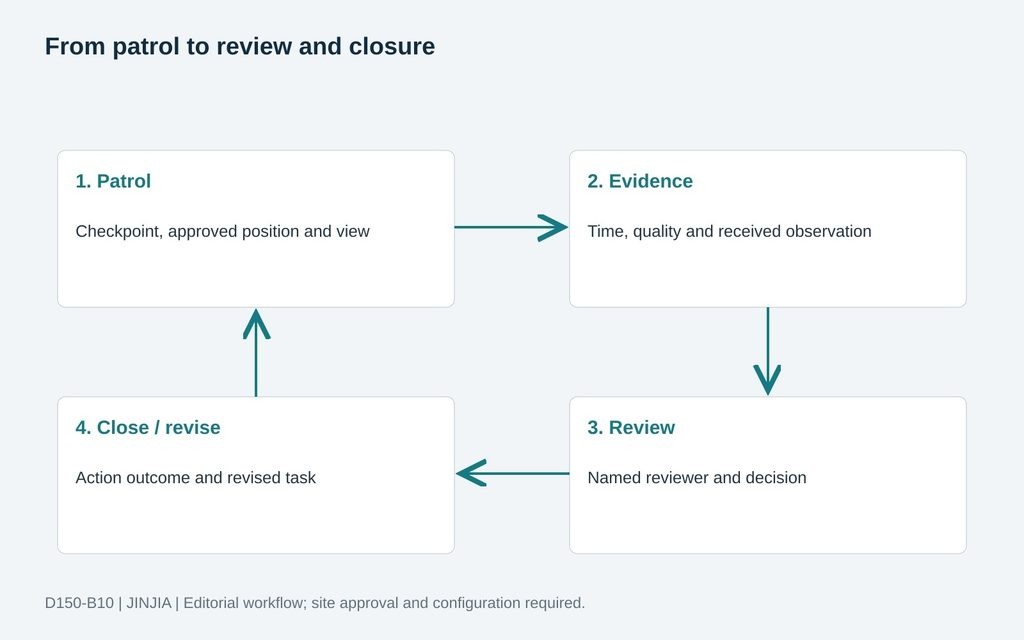
JINJIA planning framework; example inputs are not test results.
| Cycle stage | Required record |
| Patrol | Checkpoint, approved position and view |
| Evidence | Time, quality and received observation |
| Review | Named reviewer and decision |
| Close / revise | Action outcome and revised task |
Frequently asked questions (FAQ)
A: Only if the required observations meet the agreed time and evidence rules; distance alone is insufficient.
Q: Can night operation be accepted from a daytime demonstration?
A: No. Test the selected observation system in the required night and lighting conditions.
Q: Does the robot replace the guard response team?
A: It may add observation capacity; authorised people still review and respond under the site procedure.
Q: What should happen at a blocked checkpoint?
A: Record a missed or deferred observation with its reason and apply the approved recovery or escalation.
Q: Does thermal imagery prove identity or a defect?
A: Not automatically. Confirm the specific observation or measurement capability and its limits.
Q: When should a site avoid buying a patrol robot?
A: When existing measures meet the requirement or the proposed robot adds more intervention and maintenance than useful coverage.
Sources and further reading
Platform context; integration scope requires project confirmation.
ProtectUK — CCTV operational requirements
Observation purpose, viewing conditions and operator requirements; general guidance, not Delta performance evidence.
ProtectUK — checking fencing and lighting
Integrated perimeter measures and maintenance responsibilities; no universal patrol interval adopted.
ProtectUK — supporting technology and people
People, procedures and technology must work together; project-specific workflow below is JINJIA editorial planning.