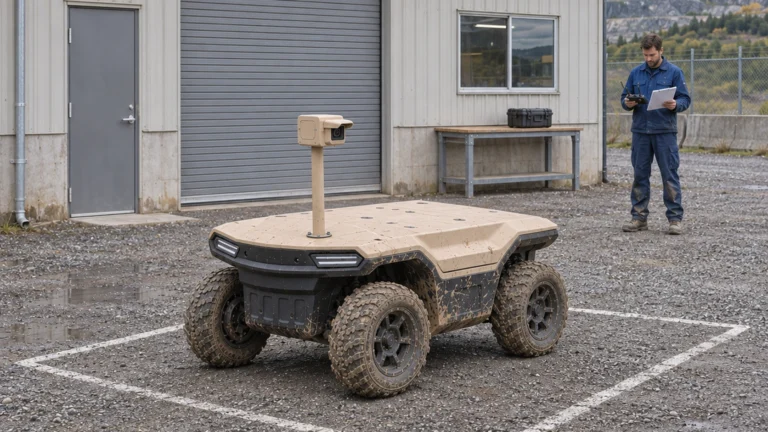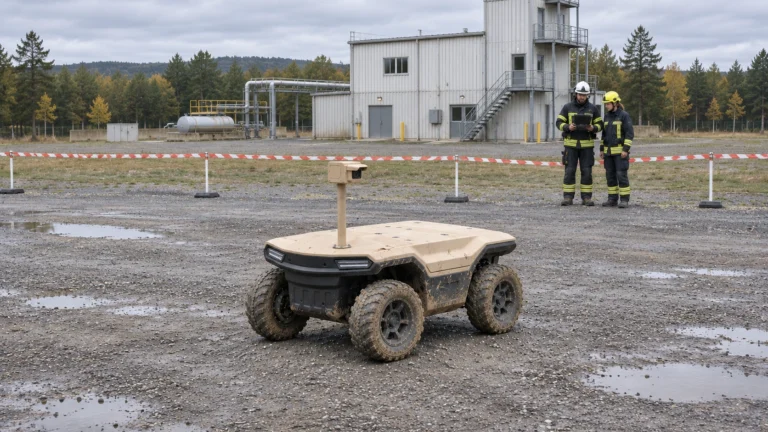


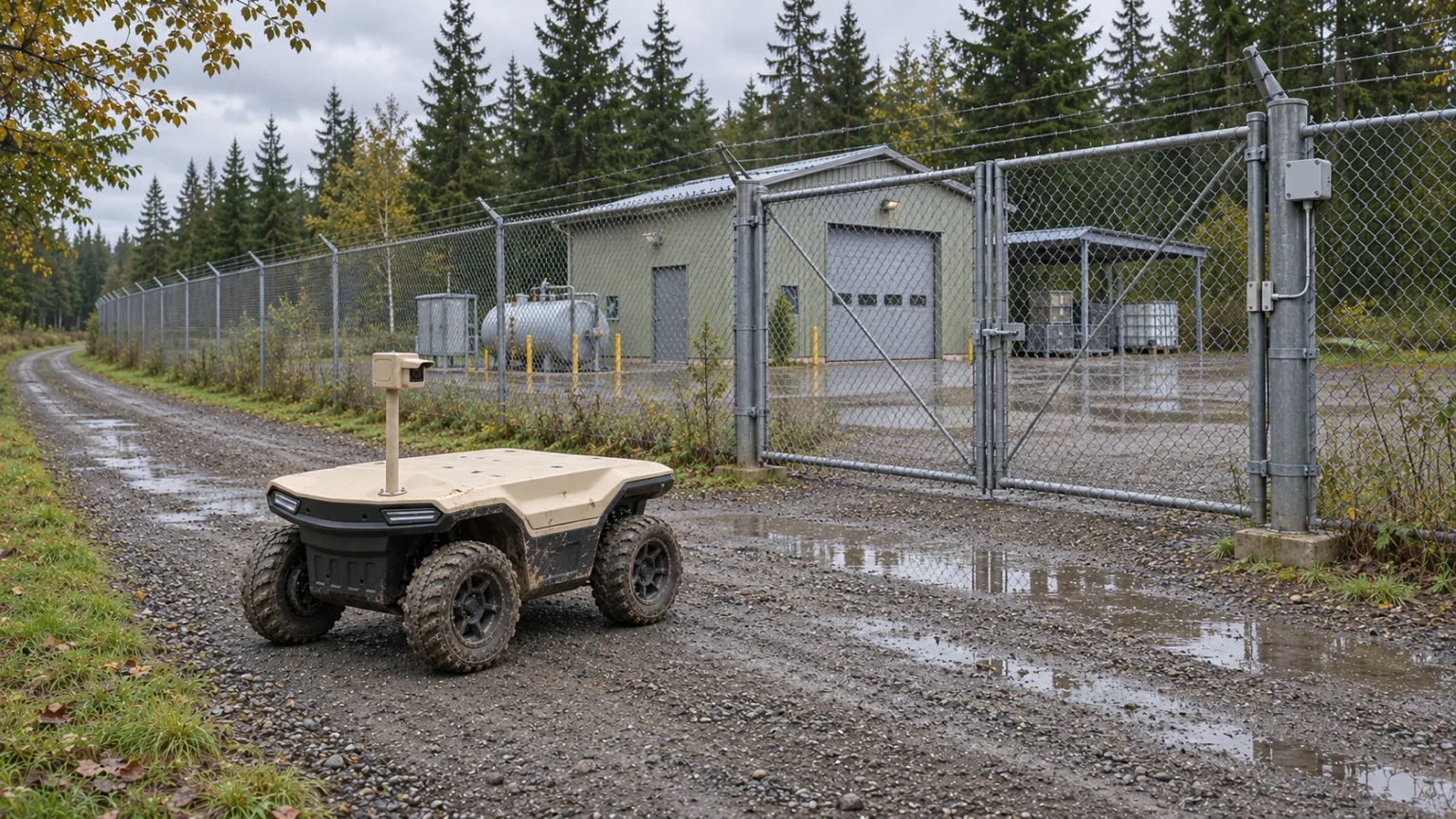
Autonomous ground vehicle alarm verification should help a duty team resolve an existing event. The useful result is a linked observation and a reviewed disposition: confirmed, not confirmed, inconclusive or unreachable. Dispatching a robot and opening a video stream are intermediate steps, not evidence that an alarm has been resolved.
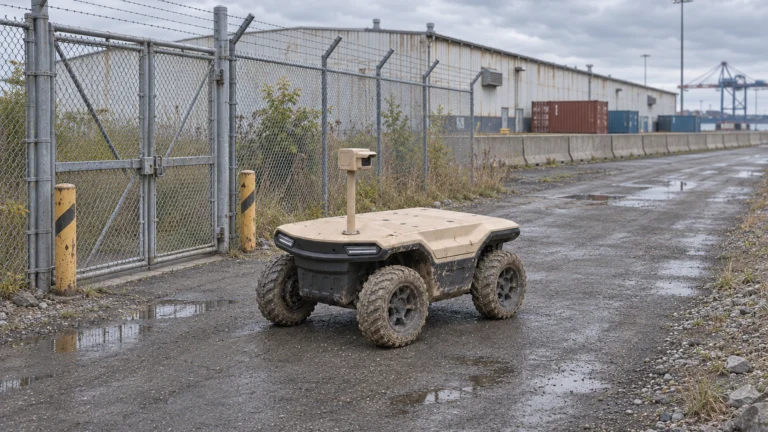
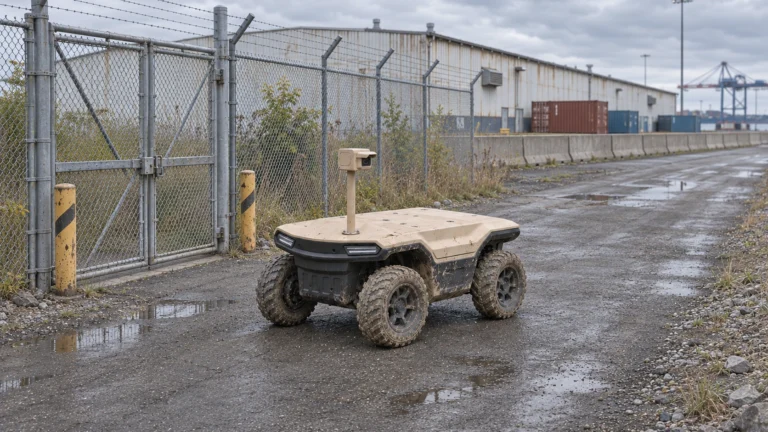
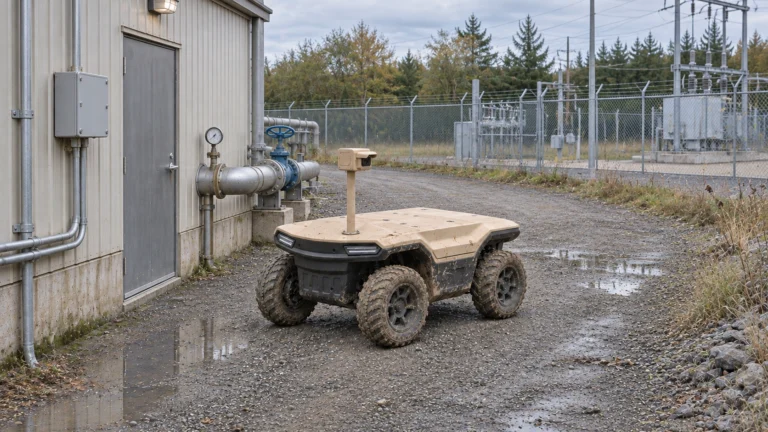
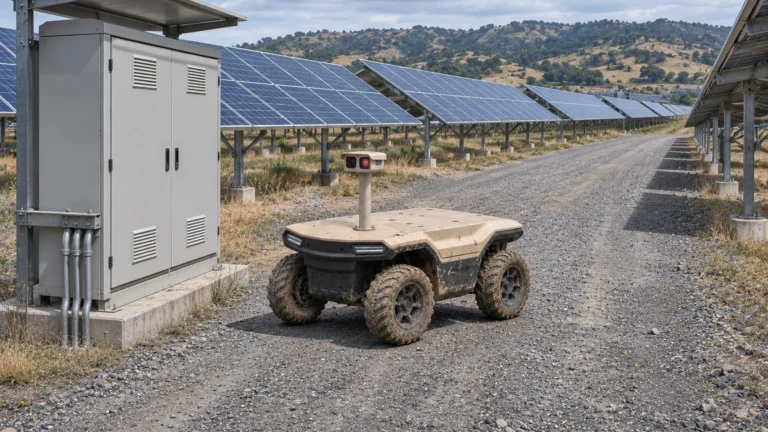
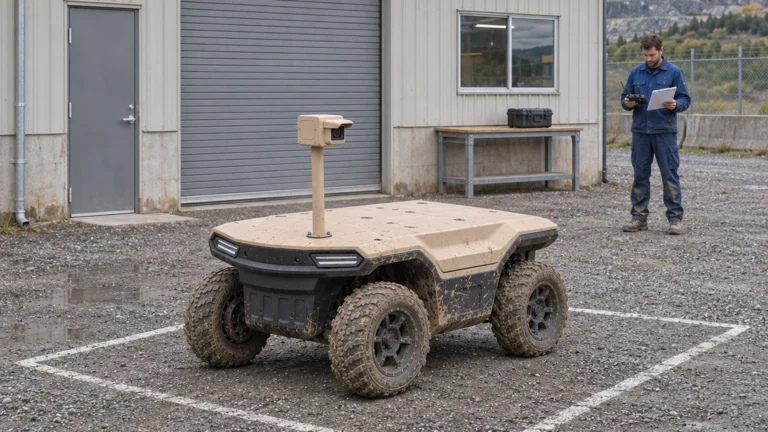
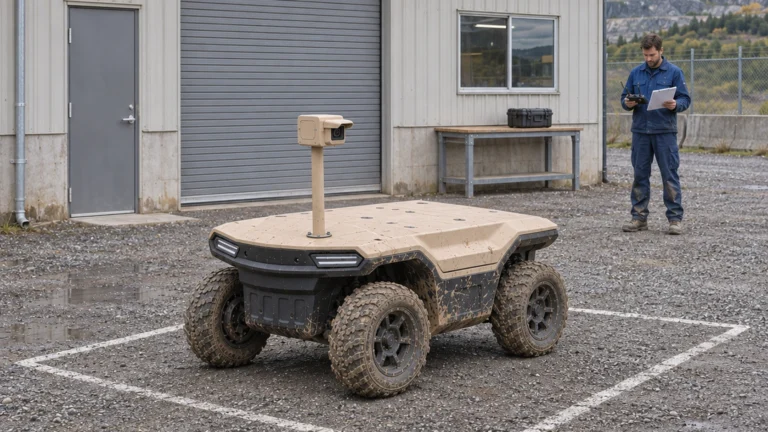
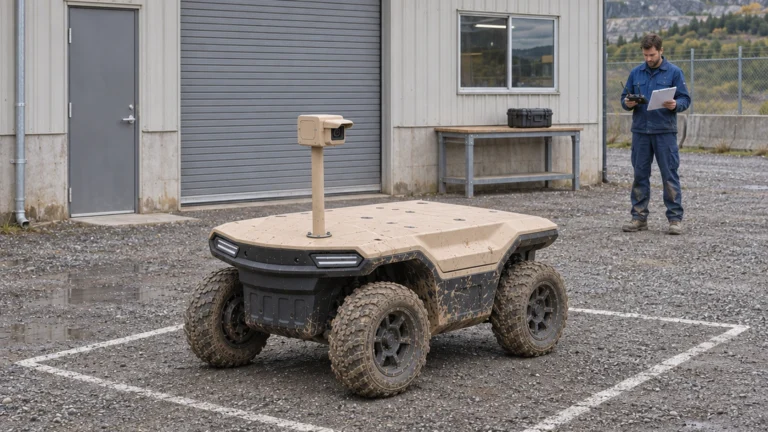
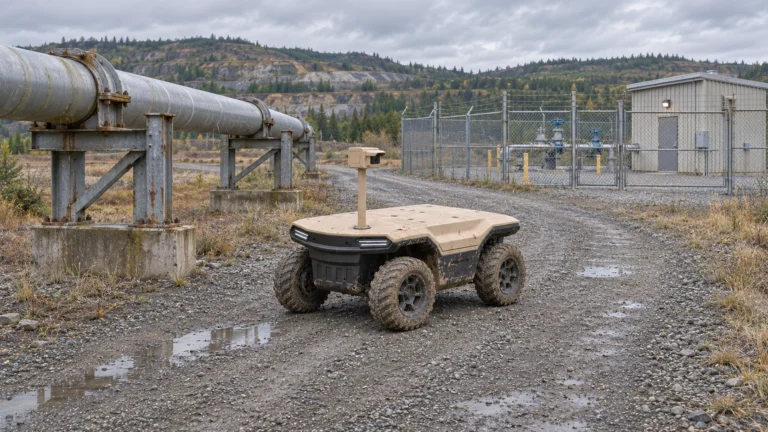
This guide considers Delta 150 with a proposed task camera. AGV means Autonomous Ground Vehicle in this series; industrial AGV can also mean Automated Guided Vehicle. Functions, operating conditions and interfaces require configuration-specific confirmation. The security AGV scene is conceptual and does not establish a completed integration or customer deployment.
At a glance
– Keep the original alarm ID through the mission.
– Verify video, event and command interfaces separately.
– Preserve inconclusive and unreachable outcomes.
Contents
1. Start with the existing alarm source
2. Authorise dispatch and the permitted route
3. Link mobile observations to live video
4. Handle lost localisation and unreachable points
5. Close the event through human review and work orders
6. Measure response time, false alarms and audit completeness
7. Frequently asked questions (FAQ)
8. Sources and further reading
AI concept: proposed task-equipped Delta 150; configuration subject to confirmation.
Start with the existing alarm source
Choose one existing event source, such as a gate contact, fixed-camera alert or operator report. Obtain an example record containing source ID, event ID, time, location and current status. Confirm what the event actually means. A gate contact state is not automatically an intrusion, and an analytic notification may still need interpretation.
Map the current workflow before adding the robot. Identify who receives the alarm, how the location is checked and when a person is sent. Keep the original event ID through subsequent actions. Creating a second unlinked alarm for every mobile observation can increase the duty team’s workload without making the original decision easier.
Authorise dispatch and the permitted route
Assign permission to request, approve, cancel and end a verification mission. An alarm coordinate should map to an approved observation position, not directly become a driving destination. Check whether the permitted route is currently open and whether traffic, access controls or work activities make dispatch inappropriate.
Define queued, accepted, in progress, cancelled and failed mission states with a named owner. Set an escalation path for an urgent event when the robot is charging, unavailable or outside the agreed task boundary. An automatic request interface must not remove route approval or silently expand permitted access. Human response procedures remain available when the mobile task cannot proceed.
Link mobile observations to live video
Specify the question the camera must answer and the view needed to answer it. Confirm the actual task camera, mount, lighting, power and communication arrangement. Arrival at a fence does not establish that a latch or activity is visible. A navigation image may be inadequate for the review task.
Treat video transport, event exchange and vehicle command as separate interfaces. ONVIF Profile T addresses IP video features; that reference does not certify Delta or a receiving platform. Confirm the actual device, client, supported features and integration test. A working stream does not prove that event IDs, acknowledgements or mission controls are exchanged correctly.
Keep capture time and stream delay visible. If the reviewer receives a recorded clip rather than a live view, label it accurately. Stale video must not appear as the present condition of the alarm point.
Handle lost localisation and unreachable points
A missing location estimate, blocked route, lost connection or unavailable observation point must produce a visible exception. Agree the vehicle’s response for each condition with the responsible integrator and site operator, then verify it under controlled conditions. This article does not prescribe an unverified automatic return manoeuvre.
An unreachable result belongs to the alarm record, with cause, time, last usable information and next owner. It is not equivalent to a false alarm or a normal site. Decide how the duty team is notified, how manual response is requested and how the robot is recovered. Preserve the failed attempt in the performance dataset.
Close the event through human review and work orders
The duty operator reviews the linked image or video and records the finding. Provide an inconclusive state when the view is blocked, too old or insufficient. Distinguish failure to confirm a problem from positive evidence that the original event was false.
| Review field | Required purpose |
| Original alarm and mission ID | Link trigger and observation |
| Source file and capture time | Preserve what was reviewed |
| Finding and confidence limits | Keep uncertainty visible |
| Owner and next action | Connect to response or work order |
Close the work order only through the authorised site process. The robot’s mission completion and the business event’s closure are different states. Keep both timestamps and the person responsible for closure.
Measure response time, false alarms and audit completeness
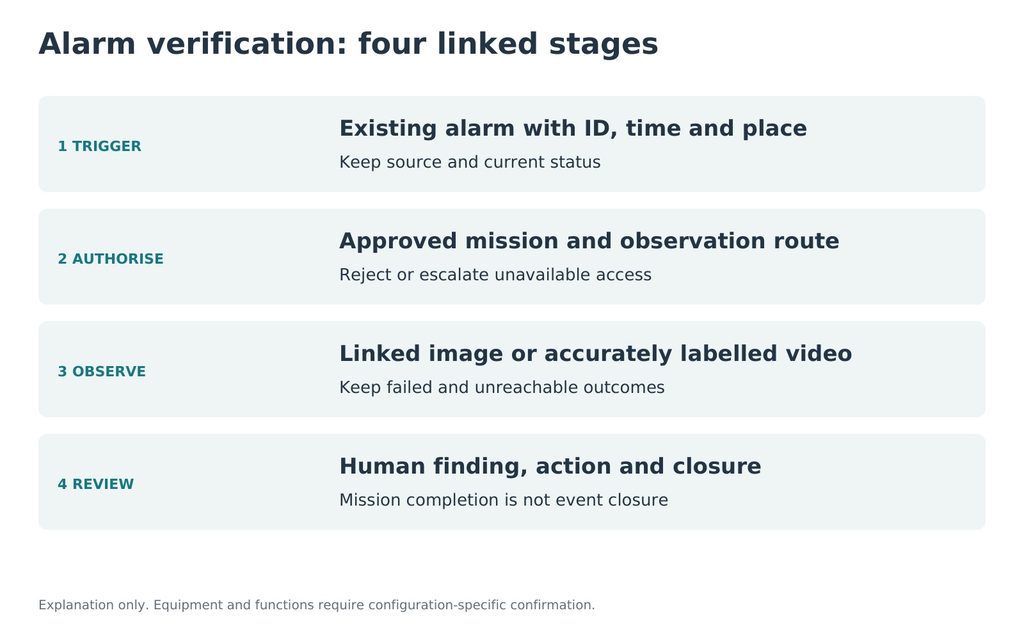
JINJIA planning framework; site-specific evidence is required.
Measure separate intervals: event receipt to approval, approval to arrival, arrival to usable observation and observation to reviewed decision. Retain total unresolved time as well. A fast journey can coexist with a slow decision if images are unusable or the reviewer is unavailable.
Build a controlled event set with known outcomes, failed dispatches, duplicate triggers and blocked views. Report eligible events, useful verifications, inconclusive results, unreachable events and false conclusions separately. Check whether every record retains source, route, configuration, intervention and reviewer evidence. Agree thresholds before the test; no response-time or false-alarm reduction is promised here.
Use the Delta UGV/AGV family page for equipment discussion; Delta 500 and Delta 1000 require their own configuration evidence. Send one current alarm workflow and an available interface example to define a Delta 150 verification task.
Frequently asked questions (FAQ)
A: No. The event needs linked evidence, a human finding and the authorised next action or closure.
Q: Can an alarm coordinate trigger unrestricted driving?
A: No. Map it to a permitted observation point and approved route with dispatch authority and current access checks.
Q: Does ONVIF imply complete robot integration?
A: No. Confirm video, event and command interfaces separately using the actual device and client configuration.
Q: Is unreachable the same as false alarm?
A: No. Retain the cause and request the agreed alternative response; the site condition remains unresolved.
Q: What response time should be reported?
A: Report approval, travel, useful-observation and review intervals separately, together with total unresolved time and failed events.
Q: What should an integrator provide first?
A: One current alarm workflow, an example event payload, interface documentation, approved observation points and the duty-team handover process.
Sources and further reading
Video interface context. Profile support, events and command interfaces must be verified for the selected devices; no Delta conformance claim.
2. JINJIA — Delta UGV/AGV product family
Product-family context. The proposed task equipment and operating functions require confirmation for the supplied configuration.