

Genetec patrol robot integration needs a defined interface contract between the vehicle, its payload, the integration software and the control room. A live camera picture proves only one part of that contract. Specify which events operators receive, which actions they may request and how the robot confirms or rejects a request.
Delta 150 is JINJIA’s compact 4×4 UGV in the 150 kg payload class. Here AGV means Autonomous Ground Vehicle; industrial AGV can also mean Automated Guided Vehicle. This guide defines an integration work package. It does not claim an existing certified Delta–Genetec connector or universal compatibility.
At a glance
• Separate media transport, events, telemetry and vehicle task control.
• Confirm exact software versions, licences, identities and supported interfaces.
• Accept complete workflows, including rejection, disconnect and recovery.
Contents
Confirm platform versions, modules and licences
Separate video transport from event data
Define PTZ, position, battery and fault semantics
Control bidirectional task commands and permissions
Reconcile audit logs, time and network boundaries
Accept interfaces through a shared responsibility matrix
Frequently asked questions (FAQ)
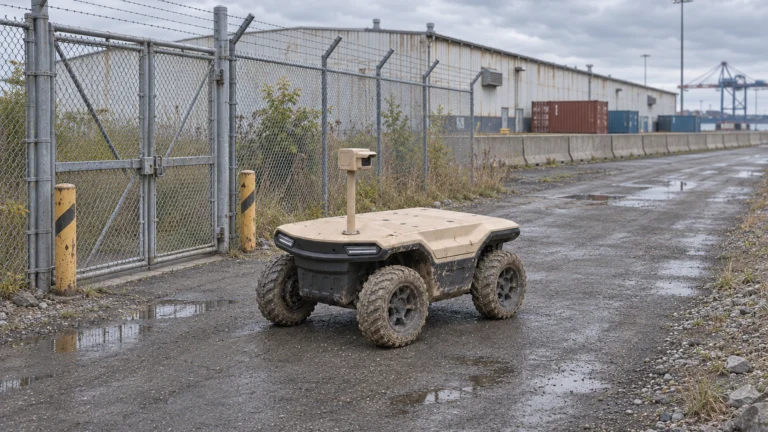
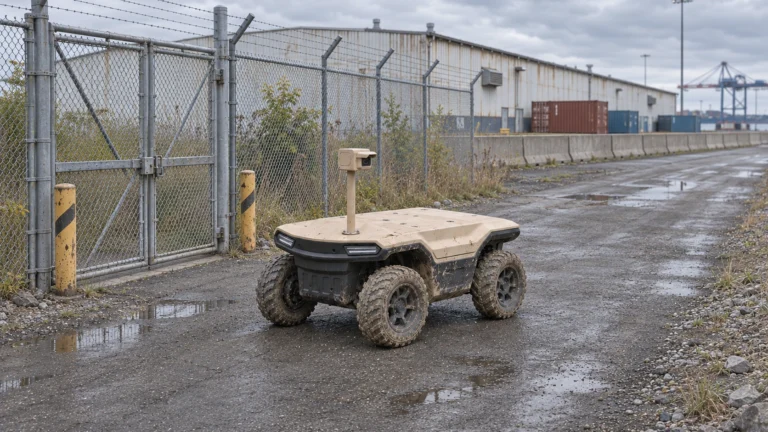
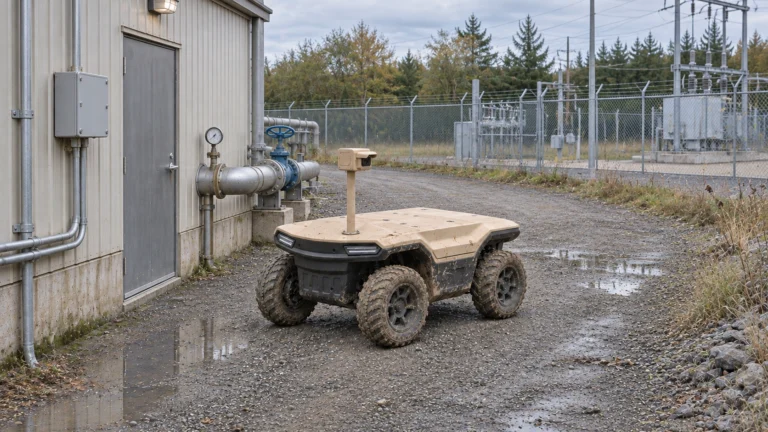
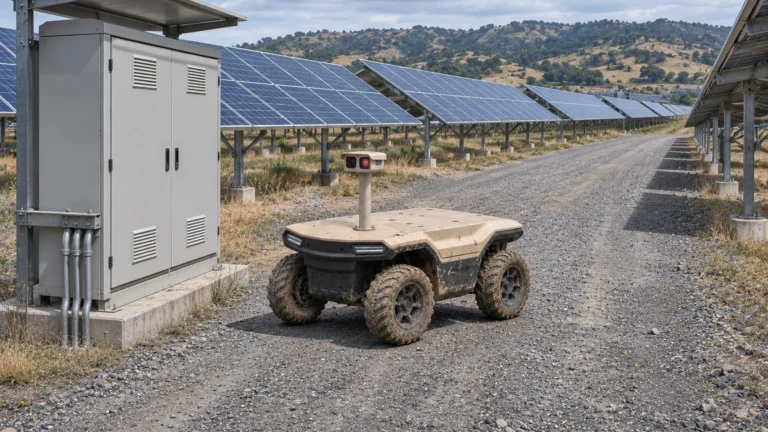
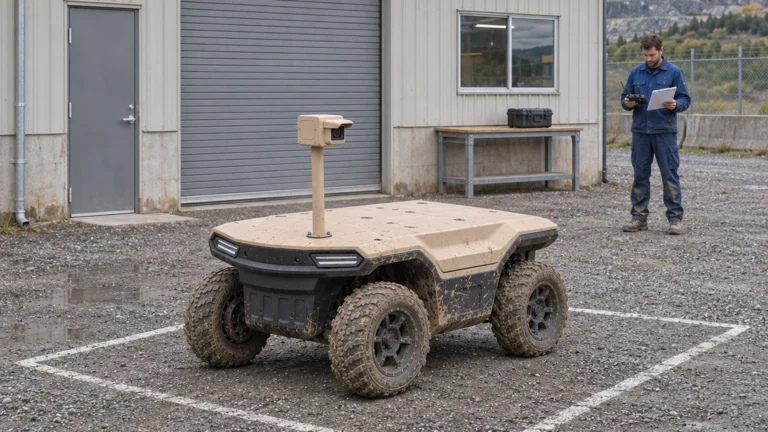
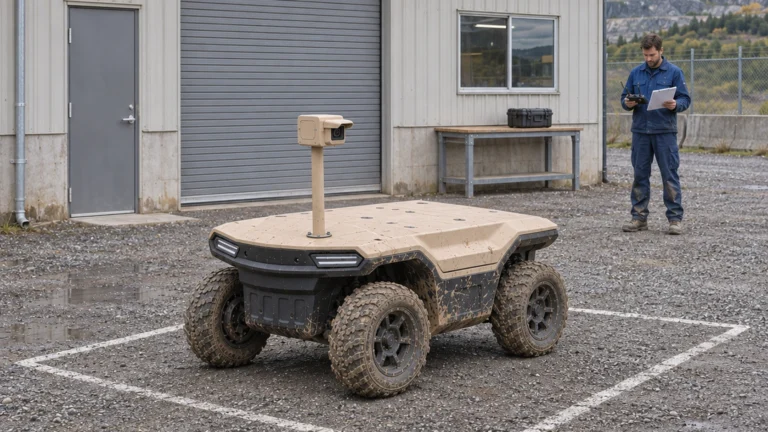
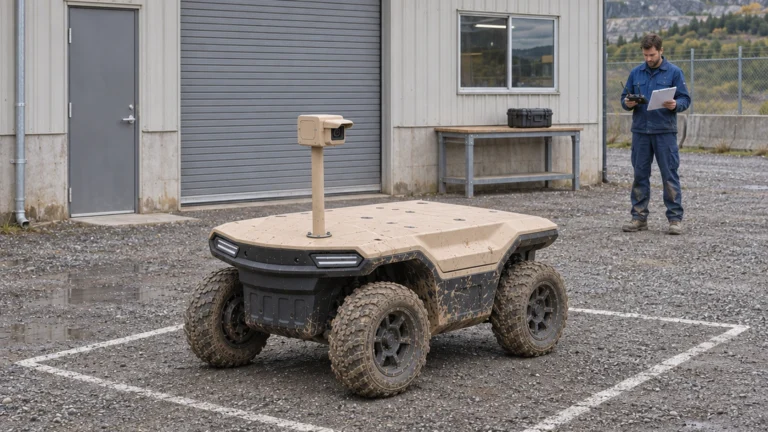
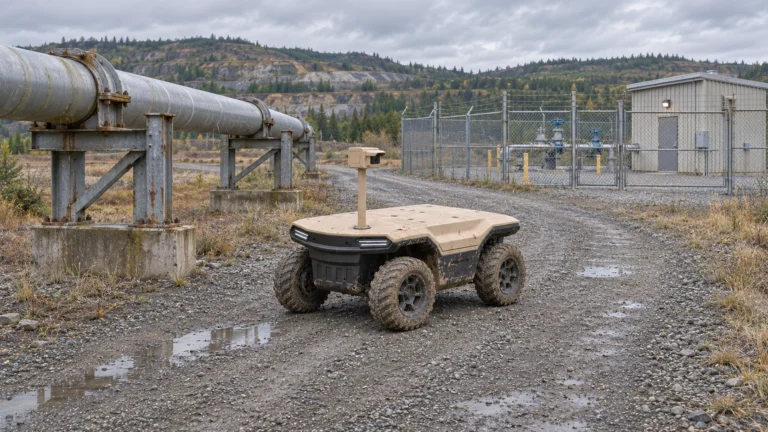
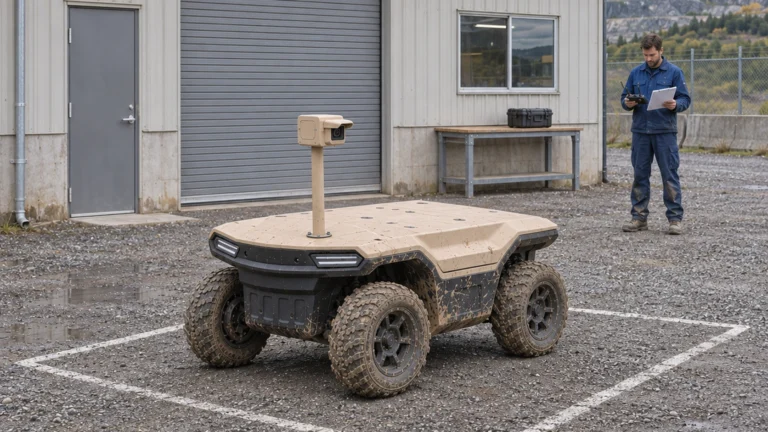
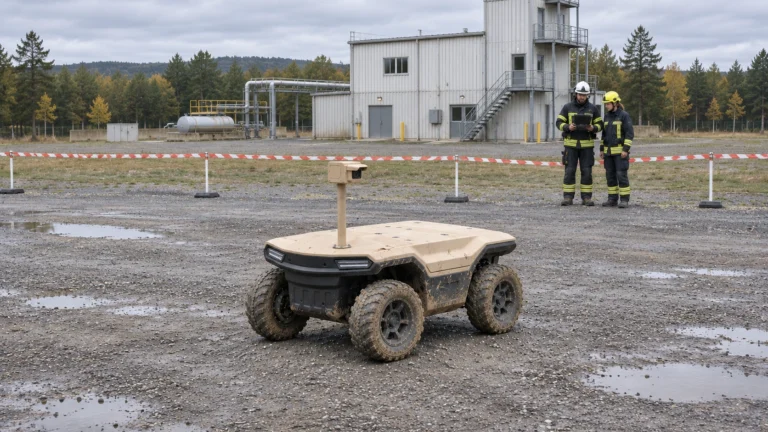
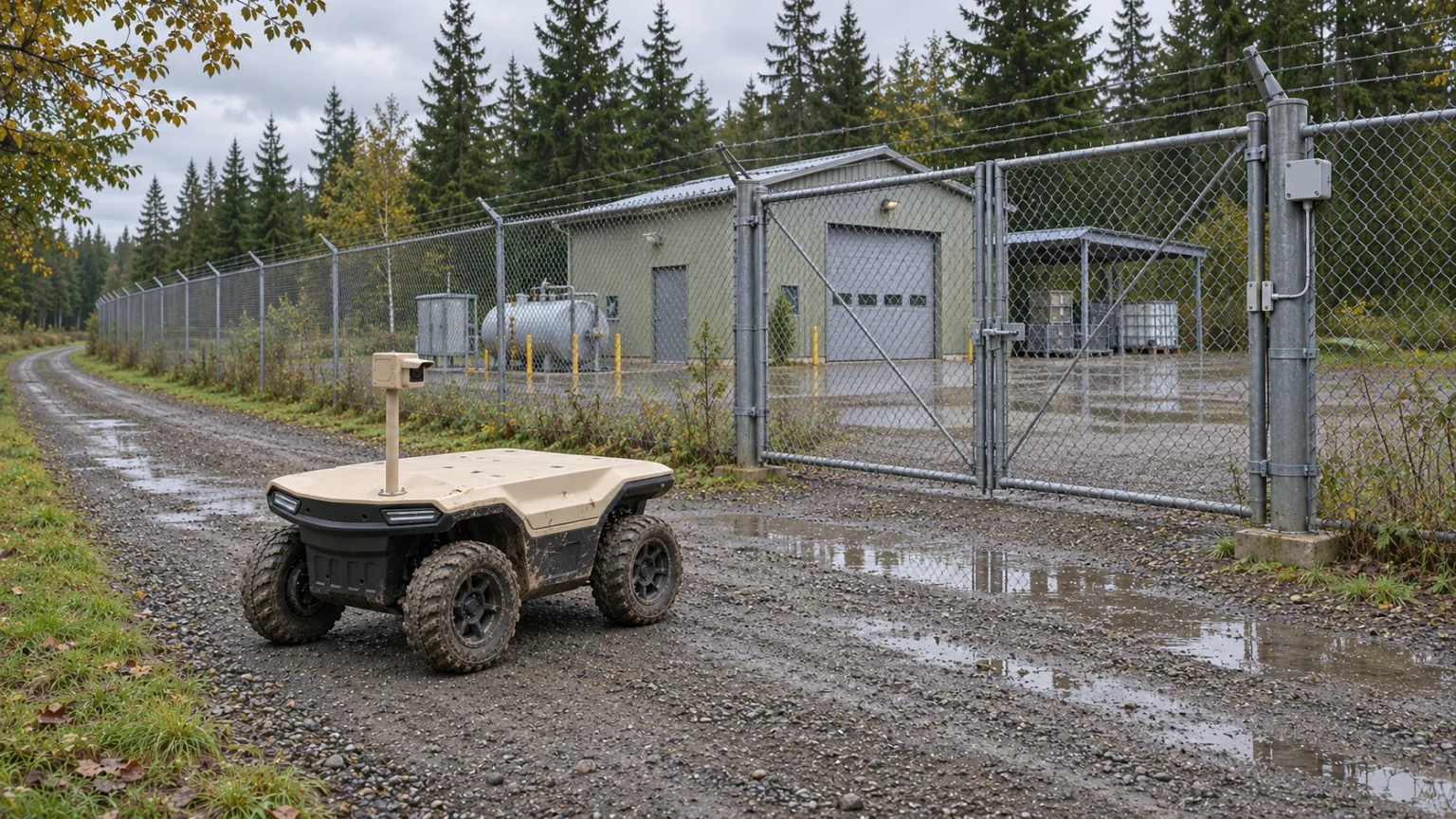
AI concept: proposed task-equipped Delta 150; configuration subject to confirmation.
Confirm platform versions, modules and licences
Start with the installed Security Center version, relevant modules, client applications and deployment topology. Ask the site integrator which SDK or other interface is supported for that exact environment. Genetec’s public SDK overview covers several security domains; it does not establish a ready-made robot interface. Record who can access the full development documentation and support channel.
List development, test and production permissions separately. Identify the robot software build, camera model and firmware, proposed gateway and required licences. Samples in an SDK package show development possibilities, not an approved production implementation. Agree who maintains the connector after either system upgrades and which combinations require regression testing.
Separate video transport from event data
Define the path from the onboard camera through the network to recording and operator playback. Confirm supported codec, stream parameters, authentication and the required live or recorded workflow with the site integrator. Genetec states that its Web SDK lacks a media library and points to a separate Web Player. Therefore, a successful REST request does not establish working video playback.
Describe every event with a type, unique identifier, source, timestamp, location reference and operator action. A robot alarm may link to video, but the two paths need separate failure indicators. Test whether delayed events retain their original time and whether reconnecting creates duplicates. Specify recording retention and export rights with the site owner rather than assuming that the vehicle stores everything.
Define PTZ, position, battery and fault semantics
Create a telemetry dictionary with units, update intervals and quality flags. Position needs a declared coordinate system and a validity indicator. Battery information needs a clear definition: percentage, measured energy or a vendor estimate are different values. A communication timeout must mark data stale instead of leaving an old position looking current.
PTZ control depends on the selected camera and supported interface. ONVIF conformance is tied to a listed product, firmware and profile; it does not make every feature universal. Verify live movement, presets and competing control sessions where required. Do not infer Delta conformance from a camera’s marketing label. Distinguish camera faults, vehicle faults and positioning degradation so operators choose the appropriate response.
Control bidirectional task commands and permissions
Document each proposed command: request observation, select an approved task, pause or request return. Availability depends on the confirmed vehicle interface and project implementation. Define parameters, allowed states, acknowledgement, rejection reason, timeout and completion status. An accepted API message is not evidence that the robot completed the physical task.
Separate viewer, camera operator, task dispatcher and administrator permissions. Decide how local supervision takes priority and how conflicting requests are handled. An integration API must not bypass the approved vehicle control and protective functions. In particular, a software stop request is not automatically an emergency-stop function. Validate the site’s authorised procedure and the vehicle’s actual response.
Reconcile audit logs, time and network boundaries
Record who requested an action, what the gateway sent, what the vehicle acknowledged and what occurred. Use an agreed time source, time zone and clock-quality indication across camera, gateway and control room. Otherwise, an operator may match an alarm to the wrong clip. Retain configuration versions with test evidence so the workflow can be reproduced.
Map permitted network paths, credential ownership and logging at each boundary. Agree encryption, access review and update responsibilities with site IT. Test unavailable links and expired credentials in a controlled environment. Restoration should expose the real vehicle state, not silently replay an obsolete movement request. Cybersecurity review and operational acceptance require named owners, not just a protocol list.
Accept interfaces through a shared responsibility matrix
Use a matrix covering video, events, telemetry and tasks. For every interface, name the producer, receiver, integration owner, version, success condition and failure response. The supplied workbook provides detailed prompts for the parties to complete. The editorial diagram separates field data from authorised requests; it is an architecture aid, not a certified design.
Witness end-to-end cases: receive an alarm, open the matching clip, inspect current telemetry, submit an authorised task and confirm its result. Then test rejection, loss of connection and recovery. Record gaps as open items with an owner and retest date. Send JINJIA the platform details, route, payload, shift and interface requirements to scope a Delta 150 trial.
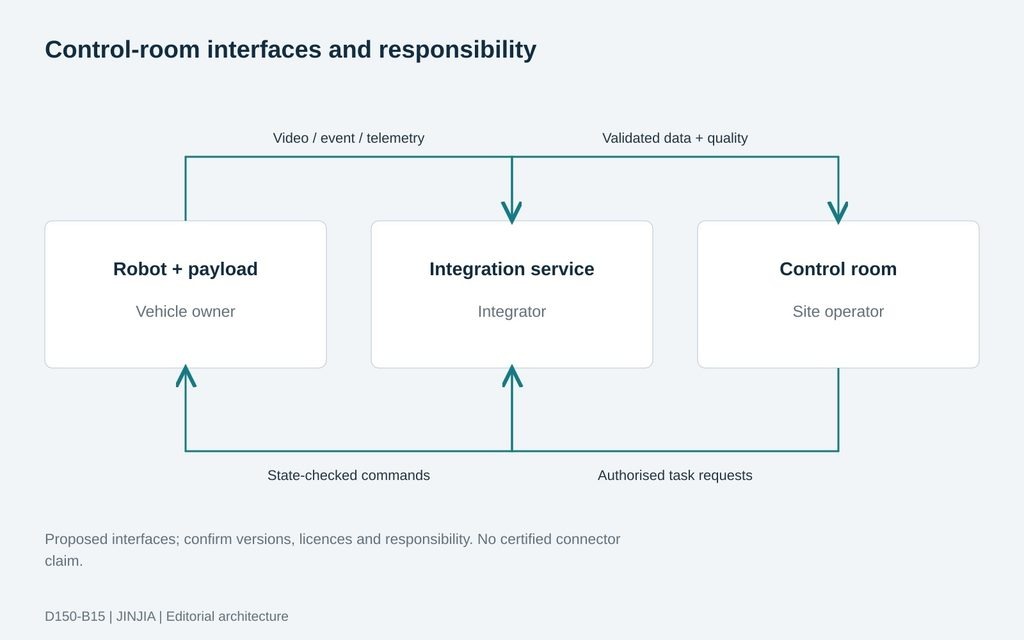
JINJIA planning framework; example inputs are not test results.
| Interface group | Shared acceptance evidence |
| Video / events | Matching clip, event ID and timestamps |
| Telemetry | Units, validity and stale-data flags |
| Task commands | Authority, acknowledgement and result |
| Joint ownership | Versions, logs and failure recovery |
Frequently asked questions (FAQ)
A: This package provides no such certification. Confirm the exact connector, versions and joint test evidence before making that claim.
Q: Does an SDK/API mean plug-and-play integration?
A: No. It supplies a development path; implementation, licences, permissions and acceptance remain project work.
Q: Can the Web SDK alone provide video playback?
A: Genetec states it has no media library. Confirm a separate supported media/player path.
Q: Does viewing the camera allow control of vehicle movement?
A: No. Video access and vehicle task permissions require separate interfaces and authorisation.
Q: Does an ONVIF camera prove all PTZ functions work?
A: No. Check the exact model, firmware, profile and required functions in the installed workflow.
Q: What should the first joint test prove?
A: A complete authorised workflow and its failure recovery, with matching timestamps, logs and named owners.
Sources and further reading
Platform context; integration scope requires project confirmation.
Genetec — Security Center SDK overview
General development architecture, not evidence of a completed Delta connector.
REST-style platform interactions and absence of a media library; video playback requires a separate supported path.
Genetec — SDK package contents
Documentation and samples illustrate development resources; they are not Delta implementation or production licensing proof.
Conformance depends on the listed product, firmware and profile; no Delta conformance claim is made.