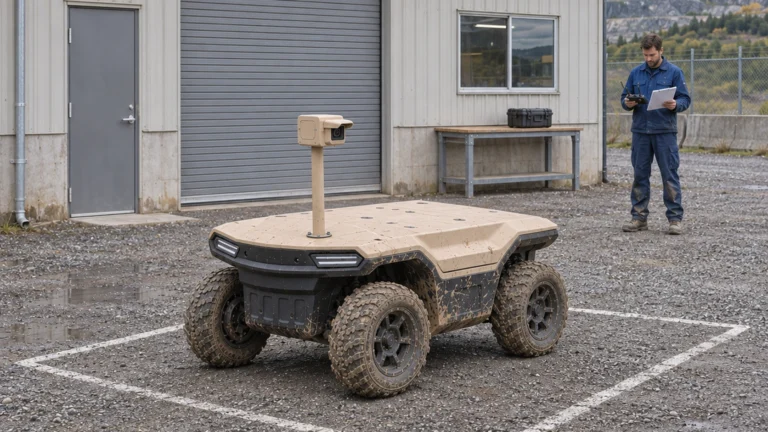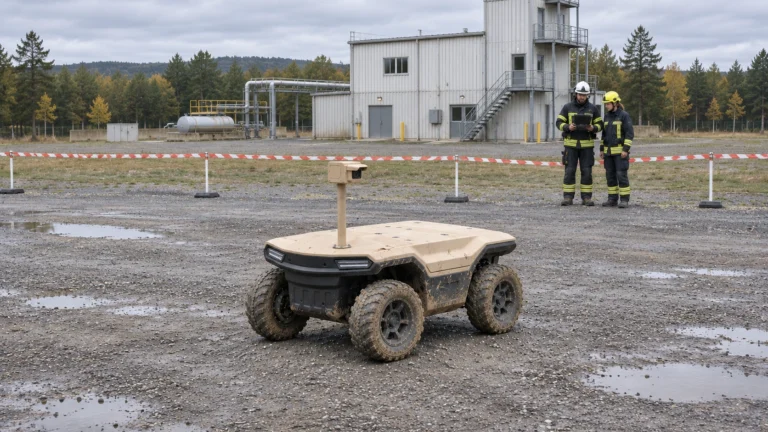


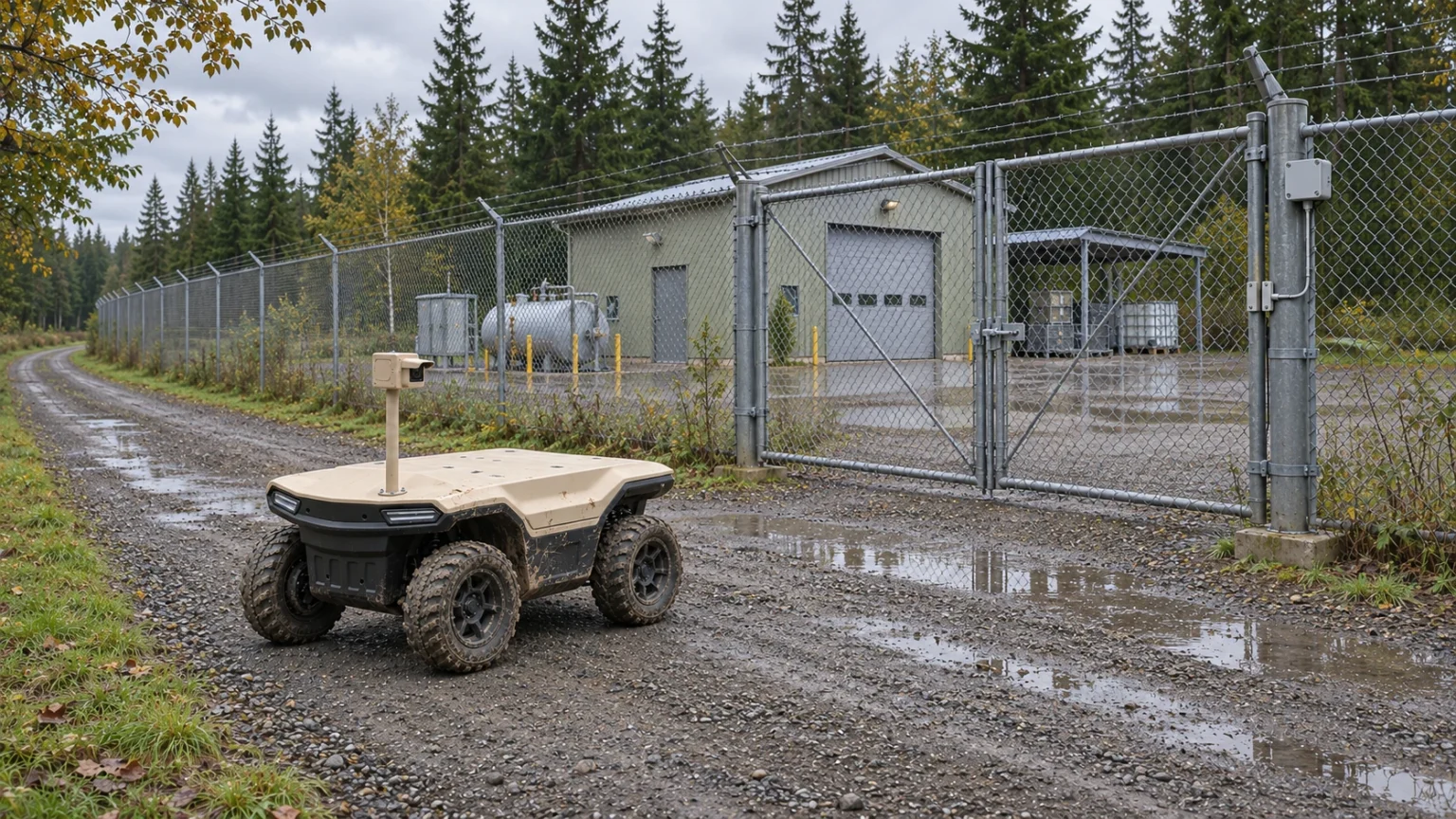
Choose an inspection robot thermal camera by the decision it must support. A thermal picture can flag an unusual pattern; it does not, by itself, establish an equipment fault. Specify the target, required detail, working distance and evidence handover before selecting a camera package.
For a Delta 150 inspection UGV, navigation sensing and task observation need separate specifications. This series uses AGV for Autonomous Ground Vehicle; industrial usage can also mean Automated Guided Vehicle. The terminology does not establish a sensor package or autonomous capability. The method below supports configuration discussions rather than a claim of an installed camera’s performance.
At a glance
• Separate navigation sensors from the instruments that answer the inspection question.
• State whether a distance requirement concerns detection, classification or specific detail.
• Keep images, settings and a review decision together as inspection evidence.
Contents
Separate navigation perception from task observation
Specify PTZ, visible-light and thermal functions
Distinguish detection, classification and useful detail
Turn a 500 m request into a controlled test
Review target samples, false alarms and missed events
Agree calibration and the image handover checklist
Frequently asked questions (FAQ)
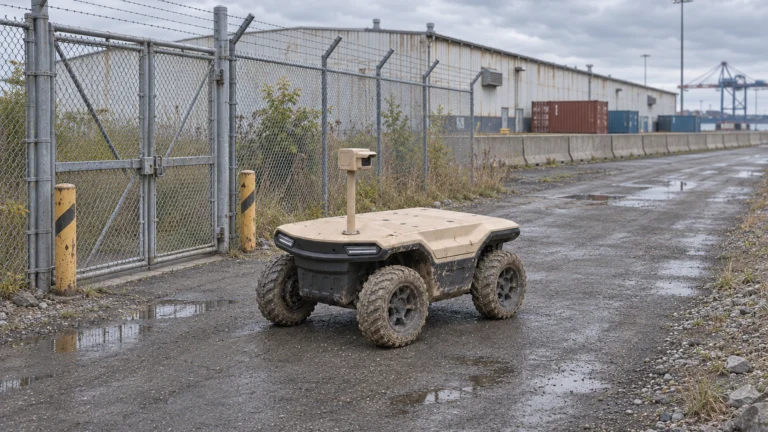
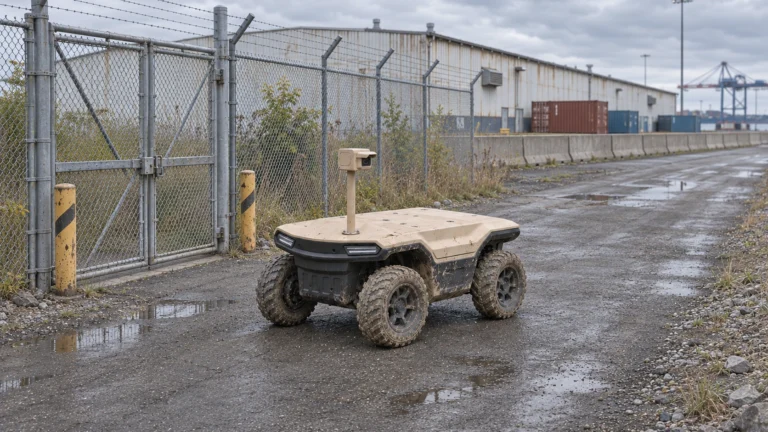
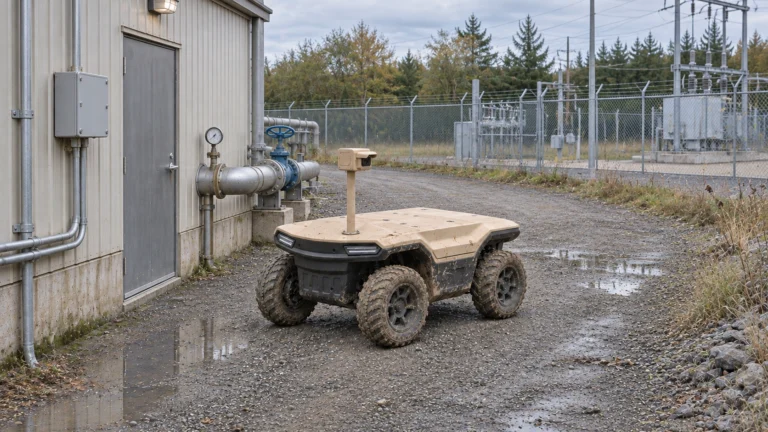
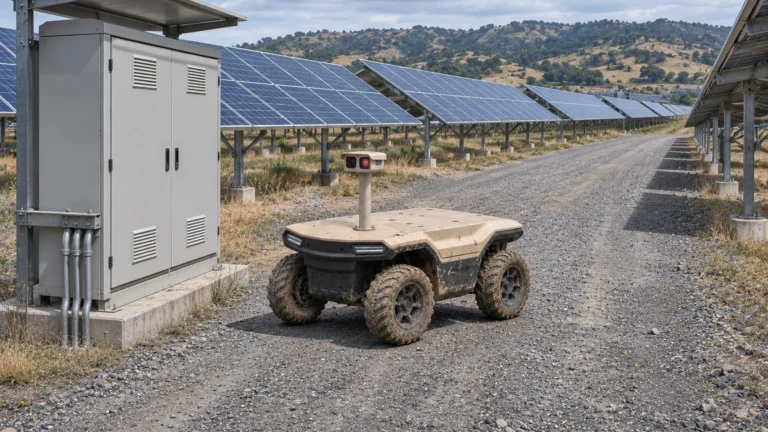
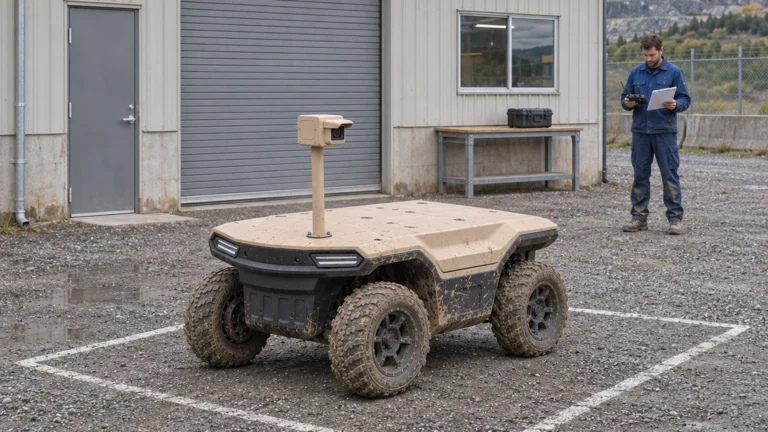
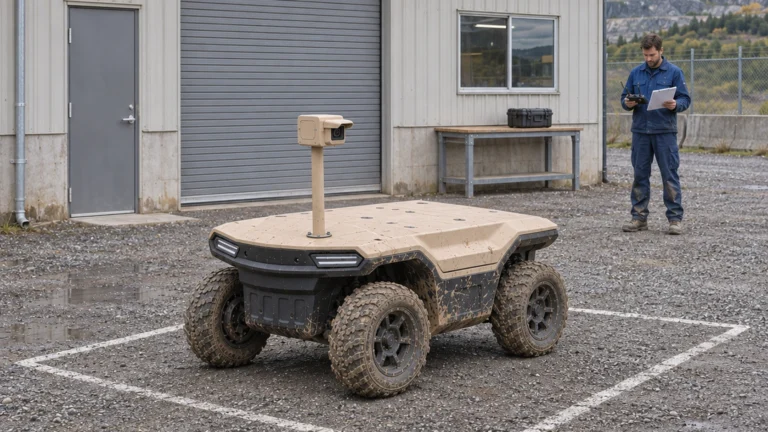
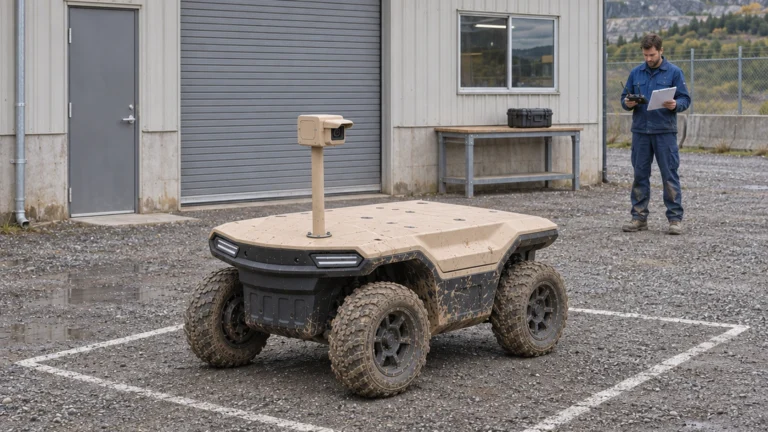
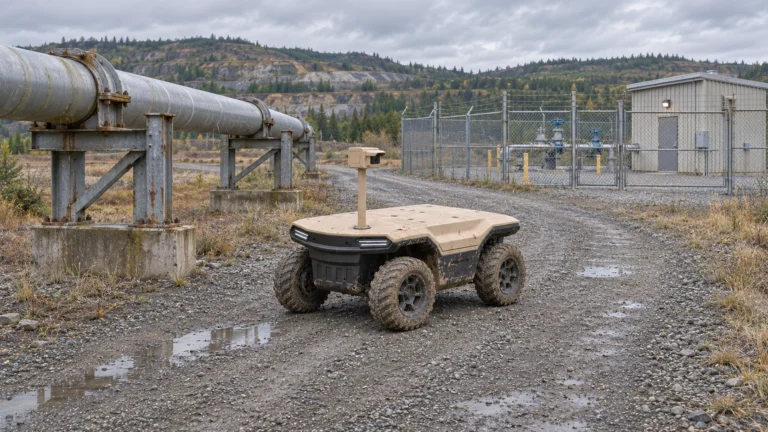
AI concept: proposed task-equipped Delta 150; configuration subject to confirmation.
Separate navigation perception from task observation
A sensor used to keep the robot on its route may not provide the view needed by a maintenance technician. List navigation inputs and task instruments in separate columns. For each, name its purpose, data output and consequence of failure. Sharing a camera is an integration decision that needs evidence, not an assumed saving.
Start with an observation such as checking a gate, reading a gauge or comparing a bearing’s thermal pattern. Then define where the robot can stop and who interprets the result. A clear route video cannot replace a close inspection image. Likewise, a task camera mounted above the deck does not prove obstacle detection around the chassis.
Specify PTZ, visible-light and thermal functions
Select the view before adding features. Record the visible camera’s lens, focus behaviour, useful lighting and mounting position. If pan, tilt and zoom are proposed, check repeatable presets, movement limits and how the operator confirms the selected view. Digital enlargement alone cannot establish that a small feature is resolved.
For thermal work, distinguish a viewing camera from a radiometric instrument with a stated measurement function. FLIR’s selection guidance makes that distinction. Ask the integrator to identify the proposed camera, lens, output format, environmental protection and power demand. Confirm access for cleaning and replacement. A generic mast illustration is not a bill of materials or a temperature-accuracy specification.
Distinguish detection, classification and useful detail
Use plain acceptance questions. Detection asks whether something relevant is present. Classification asks which agreed category it belongs to. Detail recognition asks whether a specific feature is visible enough for the stated decision. Assign separate outcomes; finding a warm shape does not establish that a person, animal or faulty component has been identified.
FLIR explains that target detail and distance affect imager selection. For the proposed installation, request representative images at each required distance and viewing angle. Keep the original frame as well as any enlarged crop. Review the actual display and delivered file, since a good local image does not establish what a remote operator receives.
Turn a 500 m request into a controlled test
Treat 500 m as a requested test distance, not a Delta 150 capability statement. Define the target’s dimensions, orientation, movement and background. State whether success means finding it, assigning a category or resolving a named feature. Also record light, weather, line of sight, lens, camera settings, mounting and whether the robot is moving or stopped.
Agree the sample count and pass rule before testing. Include targets both present and absent, several distances and difficult backgrounds. Preserve unsuccessful attempts. Test the required live link as well as stored originals. If the result only supports detection under one set of conditions, report that limited outcome rather than converting it into a general 500 m identification claim.
Review target samples, false alarms and missed events
Create a labelled sample register with a site reviewer. Separate a false alarm from a missed target and from an image that cannot be judged. Record the denominator for each reported rate. For example, an alert count without the number of target-absent observations cannot establish a false-alarm rate. Avoid pooling incompatible day, night and weather trials.
For automated alerts, retain software version, threshold and the source frame associated with each event. Have the site team review examples outside the tuning set. The purpose is to learn which events require human confirmation and what workload the system creates. An attractive demonstration clip cannot establish operational accuracy or replace a documented acceptance test.
Agree calibration and the image handover checklist
For temperature measurement, follow the selected instrument’s instructions for emissivity, reflected temperature, distance and atmospheric inputs. FLIR’s measurement manual explains these dependencies. Confirm calibration evidence, the smallest relevant target and access to measurement data. Use the observed anomaly to trigger the agreed technical review; diagnosis remains with the qualified maintenance process.
The handover should connect asset ID, observation point, timestamp, camera settings, original image and reviewer action. Include visible context beside thermal evidence where useful. Recheck views after changing the mount, lens or enclosure. Delta 500 and Delta 1000 need their own installation review. Send JINJIA the target list, distances and required files to discuss a Delta 150 UGV/AGV sensor configuration.
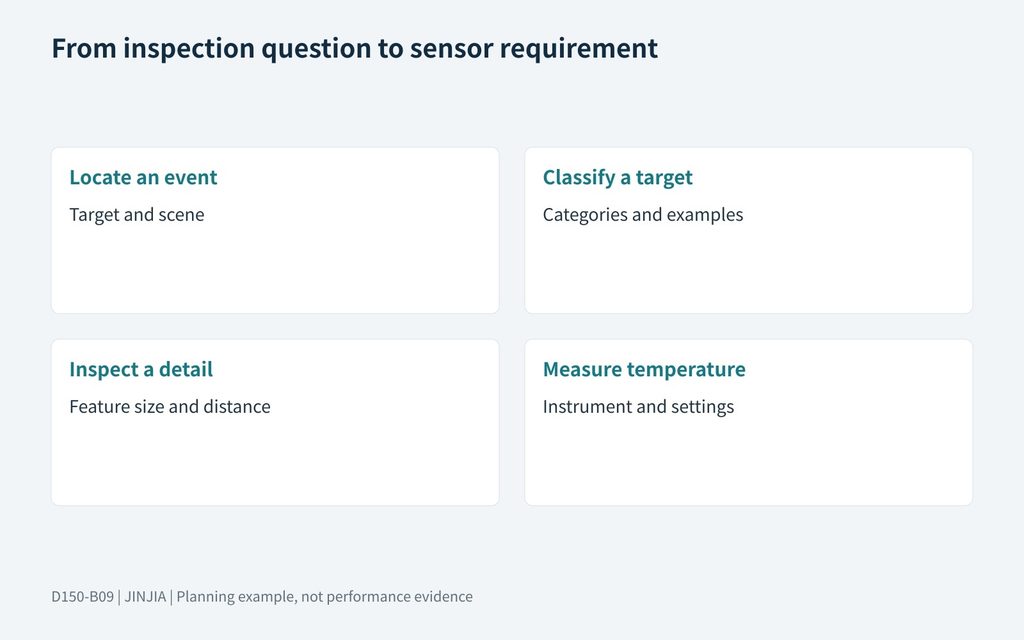
JINJIA planning framework; example inputs are not test results.
| Observation question | Selection input |
| Locate an event | Target and scene |
| Classify a target | Categories and examples |
| Inspect a detail | Feature size and distance |
| Measure temperature | Instrument and settings |
Send targets, distances and evidence requirements to discuss Delta 150 UGV/AGV.
Frequently asked questions (FAQ)
A: No. It records an observation that needs the agreed measurement settings, operating context and qualified technical review.
Q: Is a navigation camera also the inspection camera?
A: Only if the defined installation demonstrably supplies both functions; specify and test their requirements separately.
Q: Does 500 m mean identification?
A: No. Define the target and whether the test concerns detection, classification or a specific visible detail.
Q: Should every thermal camera supply temperatures?
A: No. Confirm whether the selected device provides calibrated radiometric measurements or imaging only.
Q: How should false alarms be reported?
A: Record labelled observations, the denominator, conditions, software settings and review outcomes; separate missed events and unjudgeable images.
Q: What should the customer submit for selection?
A: A target list with dimensions, distances, operating conditions, observation stops, required outputs and review responsibilities.
Sources and further reading
FLIR — choosing a thermal imager
Sensor selection principles; no FLIR specification is asserted for Delta.
FLIR — camera placement guidelines
Model-specific guidance illustrating target size, lens and placement; its numerical limits are not Delta requirements.
FLIR — thermographic measurement parameters
Measurement settings for the referenced camera family; confirm the selected sensor’s manual and calibration.
Platform context; cameras, analytics and interfaces require a defined configuration.